Somewhere in your enterprise right now, a laptop is running an operating system patch that is three weeks overdue. A field employee’s tablet has drifted out of compliance without anyone noticing. A new hire is waiting on IT to manually image a device before their first day of real work can even start. None of this shows up on a dashboard until it becomes an incident, and by then, it is no longer just an IT problem; it is a business one.
Enterprises have spent the last decade adding endpoints faster than they have added ways to manage them, and that gap is where cost, risk, and lost productivity now live. According to Statista, the global endpoint security market has already surpassed $16 billion and is projected to keep climbing as this exposure becomes harder to ignore.
Picture a mid-sized insurance company running 6,000 laptops, a growing fleet of tablets for field adjusters, and a handful of kiosk devices in regional offices. Each device type has traditionally lived in its own management silo, with its own patch cycle and compliance report. One overlooked laptop in that mix is all it takes for an auditor, or an attacker, to find the gap. Endpoint management is now one of the clearest places where operational discipline either protects the business or quietly erodes it.
Let’s be honest about where the pain actually comes from. It rarely comes from a single catastrophic failure. It comes from the accumulated weight of running desktops, mobile devices, rugged hardware, and servers through separate, disconnected tools that were never designed to talk to each other.
Spending alone is only part of the picture. Enterprises are not increasing this spend because endpoint management has become easier. They are increasing it because the device landscape and the risk surface that comes with it keep expanding faster than most IT teams can keep up with.
Fragmentation also shows up the moment enterprises try to change anything. Endpoint and platform migrations carry the same structural risk: multiple tools, inconsistent data, and change management that is underestimated until it becomes a problem. It is not merely a technical risk. It is a budget line and a timeline that finance and the business will notice.
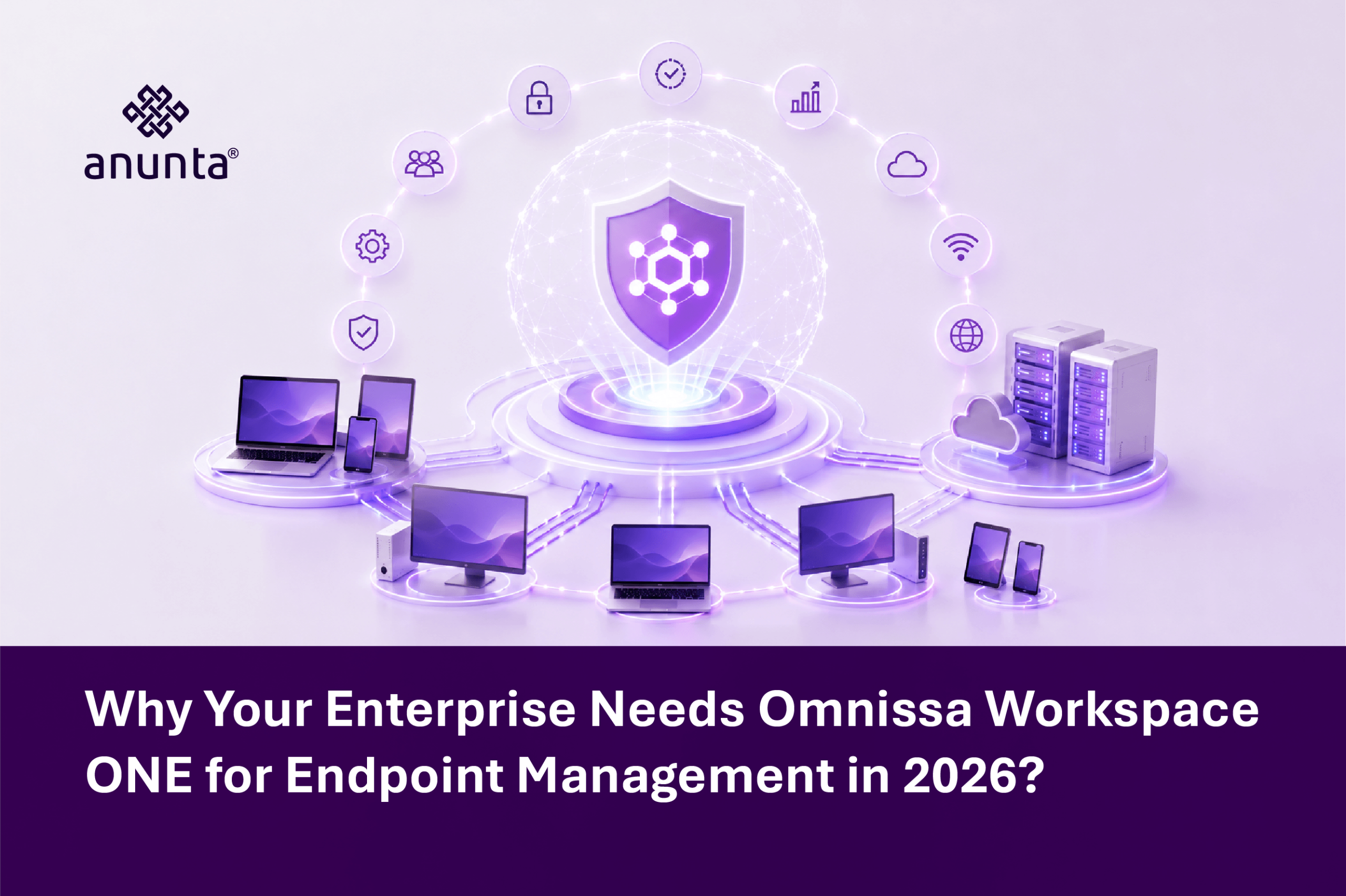
Omnissa Workspace ONE is a cloud-native unified endpoint management platform built to manage desktops, mobile devices, rugged hardware, and Windows Servers across Windows, macOS, iOS, Android, Linux, and Chrome OS, from a single console. It was built to be the single system of record for every device an enterprise touches.
Workspace ONE UEM manages the full device lifecycle, from enrollment to retirement, including the recent expansion into Windows Server management. Enterprises no longer need a separate tool for servers, another for mobile, and a third for desktops.
A single console gives IT one place to see and resolve an issue, rather than five, helping leaders reduce friction and respond faster when problems surface.
Conditional access, compliance policies, and device posture checks are native to Workspace ONE rather than layered on afterward. That structural difference matters because fragmented security is exactly what widens the exposure enterprises are already paying more to manage, per the Statista spend data above, and it makes risk harder for decision-makers to control.
Autonomous, AI-driven remediation is core to the platform’s design, not an add-on module. This directly addresses the operational drag described earlier: instead of an analyst manually reconciling data across disconnected tools, Workspace ONE is built to surface and resolve issues before users notice them, freeing leaders to focus on higher-value work.
Marketing claims are easy to make. Independent, verified evaluation is harder to earn. In the 2026 Gartner Critical Capabilities for Endpoint Management Tools report, Gartner evaluated 16 vendors across four distinct endpoint management use cases, and Omnissa Workspace ONE UEM scored highest in all four: Unified Endpoint Management, Autonomous Endpoint Management, Security-Centric Management, and Frontline Device Management. Its highest mark came in the Autonomous Endpoint Management use case, where it scored 4.95 out of 5.0, and it scored 4.29 out of 5.0 in the core Unified Endpoint Management use case.
That evaluation sits alongside Omnissa’s placement as a Leader in the inaugural 2026 Gartner Magic Quadrant for Unified Endpoint Management Tools, based on Completeness of Vision and Ability to Execute. As of mid-2026, Omnissa is one of the vendors positioned as a Leader across three Gartner Magic Quadrants: Endpoint Management Tools, Desktop as a Service, and Digital Employee Experience Management Tools.
Deployment sentiment backs this up at the customer level, too. Workspace ONE UEM carries 672 verified, in-depth reviews from real enterprise users, a meaningful sample size in a market where two other Magic Quadrant Leaders, Ivanti and Microsoft, carry 874 and 1,082 verified reviews respectively at a 4.2 star average each. This is not a niche product with a thin evidence base. It is a platform enterprises are actively deploying, reviewing, and comparing at scale, giving buyers more confidence in the choice.
No enterprise moves onto a new UEM platform without friction, and pretending otherwise sets a project up to fail. Three friction points consistently arise in enterprise Workspace ONE deployments, each creating cost and schedule risk for decision-makers.
None of these risks is a reason to delay. There are reasons to plan the migration in phases, which is exactly what the implementation approach below is built around.
The pattern worth noticing is not that Omnissa is the only credible option. Gartner recognized multiple Leaders in this market, which tells you it is genuinely competitive. What sets Workspace ONE apart in the data is breadth combined with depth: the highest Critical Capabilities score in every single use case Gartner evaluated, not just the ones where a given vendor traditionally competes, plus Leader status in two adjacent Gartner Magic Quadrants that most competitors are not even evaluated in.
Think about that same insurance company’s fleet of field adjusters. With unified endpoint management in place, IT can push a new claims-processing app to every tablet overnight instead of a multi-week rollout, security teams can enforce one compliance baseline across laptops, tablets, and kiosks at once, and the analysts freed from manually chasing patch compliance can spend that time on the platform migration that actually needs their attention. Endpoint management, done well, is not overhead. It is the foundation on which every other digital initiative stands, helping decision-makers move faster with less risk.
First, audit your current endpoint estate before committing to a migration timeline. You cannot build an accurate project plan or avoid becoming part of Gartner’s 83% overrun statistic without knowing exactly what you are migrating.
Second, decide whether an in-house rollout or a managed services partner gets you to value faster and with less schedule risk. A partner who has run this migration before absorbs much of the planning risk that catches first-time in-house teams off guard, making the path to value clearer for decision-makers.
Lastly, phase the rollout deliberately. Establish the security and compliance baseline first, automate the operational workload second, and treat the end-user change management and experience layer as a dedicated phase in its own right, not an afterthought squeezed in at the end, so leaders can see progress and control risk at each step.
Endpoint management in 2026 is not about adding another tool to your stack. It is about closing the fragmentation gap: Statista’s spending data show enterprises are already paying more to manage, and Gartner’s own independent evaluation ranks Omnissa highest across every endpoint use case it tested. Omnissa Workspace ONE gives enterprises one place to manage, secure, and support every device their workforce touches, backed by Leader status across three separate Gartner Magic Quadrants.
Anunta helps enterprises plan, migrate, and run Omnissa Workspace ONE as a managed endpoint service, so the migration risk sits with a team that has done this before, not with an IT department doing it for the first time under deadline pressure. Talk to an Anunta endpoint management expert to see what a phased, low-risk move to unified endpoint management looks like for your environment.
1. What makes Omnissa Workspace ONE different from other Gartner-recognized UEM platforms?
In the 2026 Gartner Critical Capabilities for Endpoint Management Tools report, Workspace ONE UEM scored highest across all four evaluated use cases, including a 4.95 out of 5.0 in Autonomous Endpoint Management. Combined with Leader status in Gartner’s Magic Quadrants for Endpoint Management, DaaS, and Digital Employee Experience, it is one of the few platforms with breadth and depth validated by multiple independent Gartner evaluations.
2. How risky is a migration to a new UEM platform like Workspace ONE?
Any platform migration carries real risk. Gartner research found that 83% of data migration projects either fail or exceed their budget and schedule, which is why a phased approach, starting with a full endpoint audit before committing to a timeline, matters more than the platform choice itself.
3. How does Workspace ONEcompare to Microsoft Intune and Ivanti in real deployments?
All three are recognized as Leaders in Gartner’s 2026 Magic Quadrant for Endpoint Management Tools and are actively deployed at enterprise scale, with 672, 1,082, and 874 verified Gartner Peer Insights reviews, respectively. Workspace ONE differentiates in the Critical Capabilities scoring, ranking highest across every use case Gartner evaluated, rather than leading only in some.
4. Is Workspace ONE suitable for regulated industries like banking and insurance?
Yes. Conditional access, compliance policies, and device posture checks are built into the platform natively, which supports the consistent audit trail that regulated industries need across every device type, not just mobile.
5. Do we need an in-house team to run Workspace ONE, or can it be managed?
Both models work. Many enterprises choose a managed services partner to handle deployment, policy configuration, and day-to-day operations, shifting migration risk to a team with prior deployment experience rather than to an in-house team learning the platform under project deadlines.