As enterprise IT faces budget and workload challenges, it has also seen an exponential increase in remote work-related vulnerabilities due to hybrid work over the past three years. Endpoint management expenses are up almost 35% year-over-year, while 60% of desktop virtualization vulnerability exposures have come from remote monitoring services.
In addition, security regulations have become stricter than ever, which may result in costly fines or outages for your business; therefore, Virtual Desktop Infrastructure (VDI) has transitioned from just another technical option to a strategic approach for businesses looking to secure their technology environments against potential cyberattacks.
In contrast to the traditional decentralized model of managing multiple remote endpoint devices by providing IT staff the ability through VDI to centralize control of all endpoints into one hardware platform, it enables organizations not only to reduce their risk exposure through a monitored coverage by the centralized network but also provides them with a predictable model for growth.
Organizations in over eleven industries, including banking, finance, & insurance; healthcare; and manufacturing, have adopted a VDI environment not only because it gives these industries a way to improve efficiency but because they do so to reduce operational costs and improve resiliency of their disparate workforces exponentially across the globe.
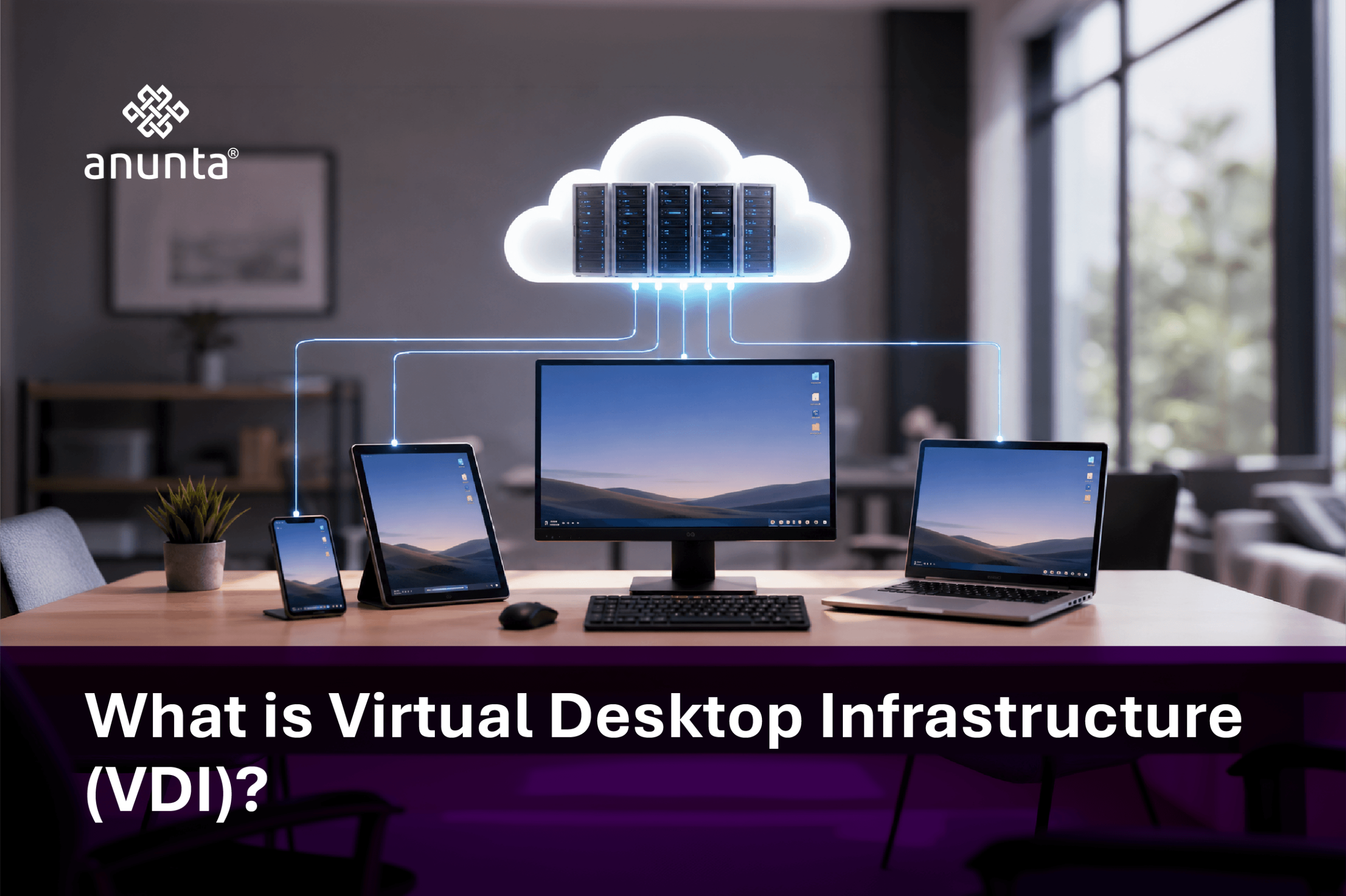
To explain what is VDI, think of a computer that is no longer connected to a physical box. At its core, Virtual Desktop Infrastructure (VDI) moves the desktop environment from physical devices into centralized infrastructure.
Your operating system, application programs, and all your data are stored in a secure location in a datacenter and delivered remotely to you. The device you use is your access point to the information, but it is no longer viewed as being vulnerable or a security risk
There are two types of VDI that an organisation can implement:
The business case for implementing VDI’s can be substantiated by as much as a 40% reduction in image management effort for organisations using non-persistent models and faster onboarding processes.
Enterprises working with Anunta have deployed both models at scale, supporting environments from 500 users to over 7,000 users globally, with consistent performance benchmarks.
A VDI environment for businesses is reliant upon orchestrated infrastructure, designed for optimum control and performance.
When a user logs into the VDI via service providers such as Azure Virtual Desktop, Citrix, or Omnissa Horizon:
From the perspective of a CIO, VDI provides:
In addition to the operational benefits mentioned above, using display protocols such as PCoIP, Blast Extreme, and RDP will enable the delivery of a high-performance user experience, which ultimately drives increased productivity.
A high-performance virtual desktop infrastructure relies on five essential components to achieve this level of performance:
The difference between a VDI Solution that works versus one that has a high level of performance is how well all five components have been integrated and optimized.
The benefits of Virtual Desktop Infrastructure (VDI) can be quantified based on three dimensions: cost savings, risk mitigation, and agility.
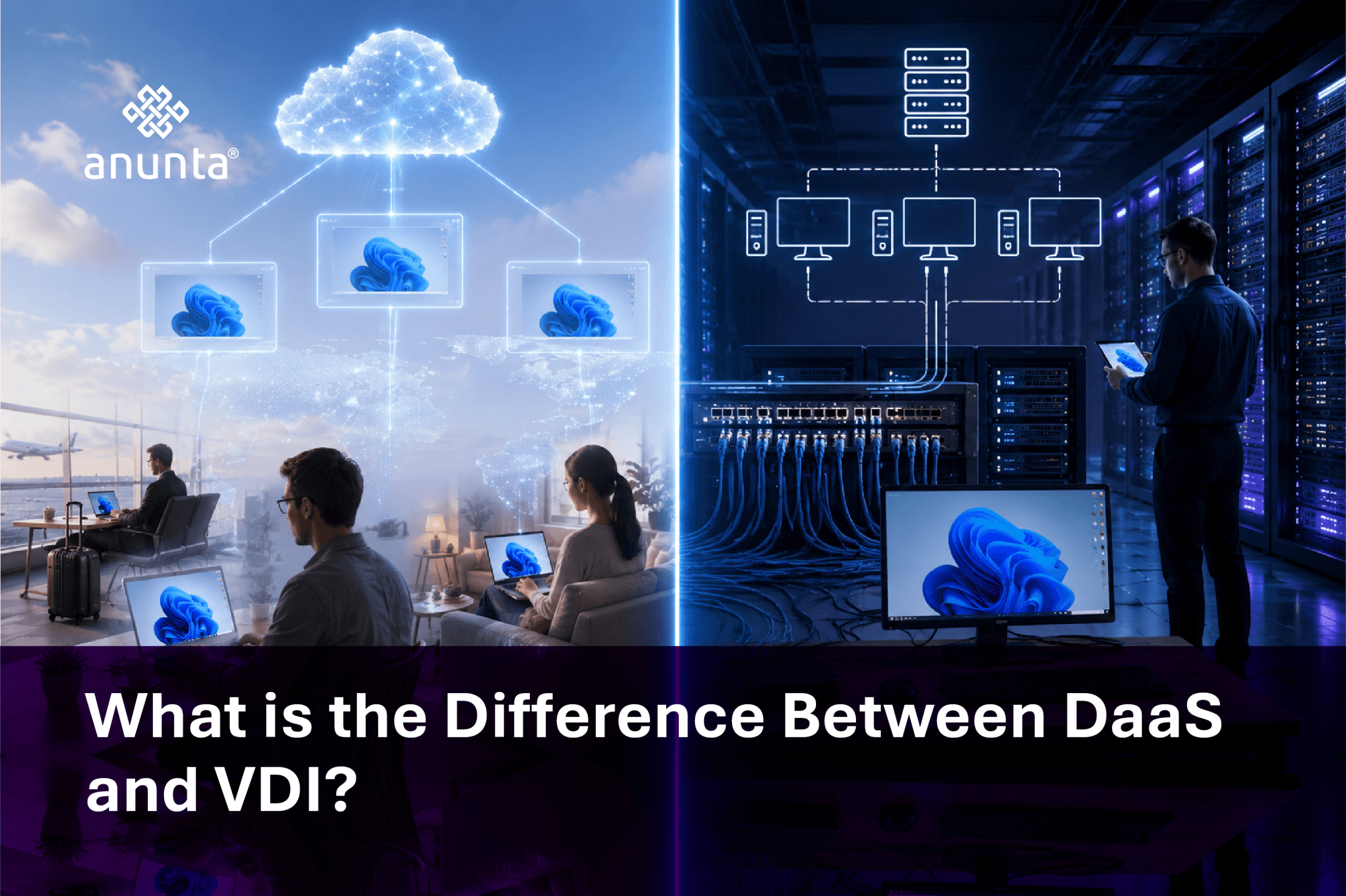
The choice of VDI vs DaaS vs VPN is a business decision, not a technical decision.
Organizations that are moving towards agility at their organization are turning to DaaS or managed VDI as a way to reduce complexity while still maintaining a level of control.
Anunta can provide either DaaS or managed VDI options; therefore, organizations can create a deployment strategy that is in alignment with their operational capacity and growth plan.
Desktop virtualization is not industry-specific. Its value scales across sectors:
Each use case ties back to one outcome: controlled scalability without proportional cost increase.
The evolution of VDI is being shaped by intelligence and flexibility.
The conversation around VDI vs DaaS is shifting toward managed experiences.
The focus is no longer infrastructure alone. It is about delivering consistent, secure, and scalable digital workspaces.
A transition to Virtual Desktop Infrastructure (VDI) is more than just a modernization effort; it is a new operating model that significantly changes how an enterprise manages costs, security, and scalability.
Enterprises must take a close look at three important dimensions before making the transition to VDI:
VDI can deliver measurable benefits only if these elements are properly aligned with one another; if they are not properly aligned, there is potential for complexity to supersede the benefits.
This is where partners with expertise in the area come into play; they not only deploy VDI, but they also design a solution that considers your business reality. We provide a combination of knowledge and experience with architecture, managed services, and large-scale deployments to help you bridge this gap and to ensure VDI performs as expected from day one. A recent use case of this was when a global aerospace manufacturer partnered with Anunta to modernize its desktop environment through a full-scale VDI deployment.
This transformation not only reduced operational complexity but also created a resilient, scalable digital workspace aligned with the company’s global growth strategy.
Virtual desktop infrastructures (VDI) have become an unquestionable requirement in today’s work environment, and VDI’s best use is as an efficient means by which to develop and deliver an optimal working system to the employee. In addition, the use of VDI gives the organisation the ability to centrally manage all of its desktop environments while at the same time providing flexibility to the end user.
Virtual Desktop Solution allows you to change from having your desktop rely upon a physical entity to exploiting the possibilities that come with a highly secure and flexible working environment that can now be managed centrally. This allows you to simplify your network management from scattered individual components to a centrally controlled, orchestrated configuration, whereby you are now able to create efficiency and control around a highly scalable, customisable, and safe working environment.
As a simple example of What is Desktop Virtualization is, this change improved employee productivity, increased company security, and allowed for scalability and the ability to work anywhere — turning previous complex technology environments into simple, user-focused digital workplaces.
If your enterprise is navigating rising endpoint costs, increasing security risks, or hybrid workforce complexity, the next move needs to be decisive.
Talk to a VDI expert and build a workspace that scales with your enterprise ambitions.