The office setting has outgrown itself, and is now working in a world that moves, has no geographical borders, and operates across multiple devices and time zones. To try to bring structure to their workplace that is now fluid, organizations are turning to virtual desktops.
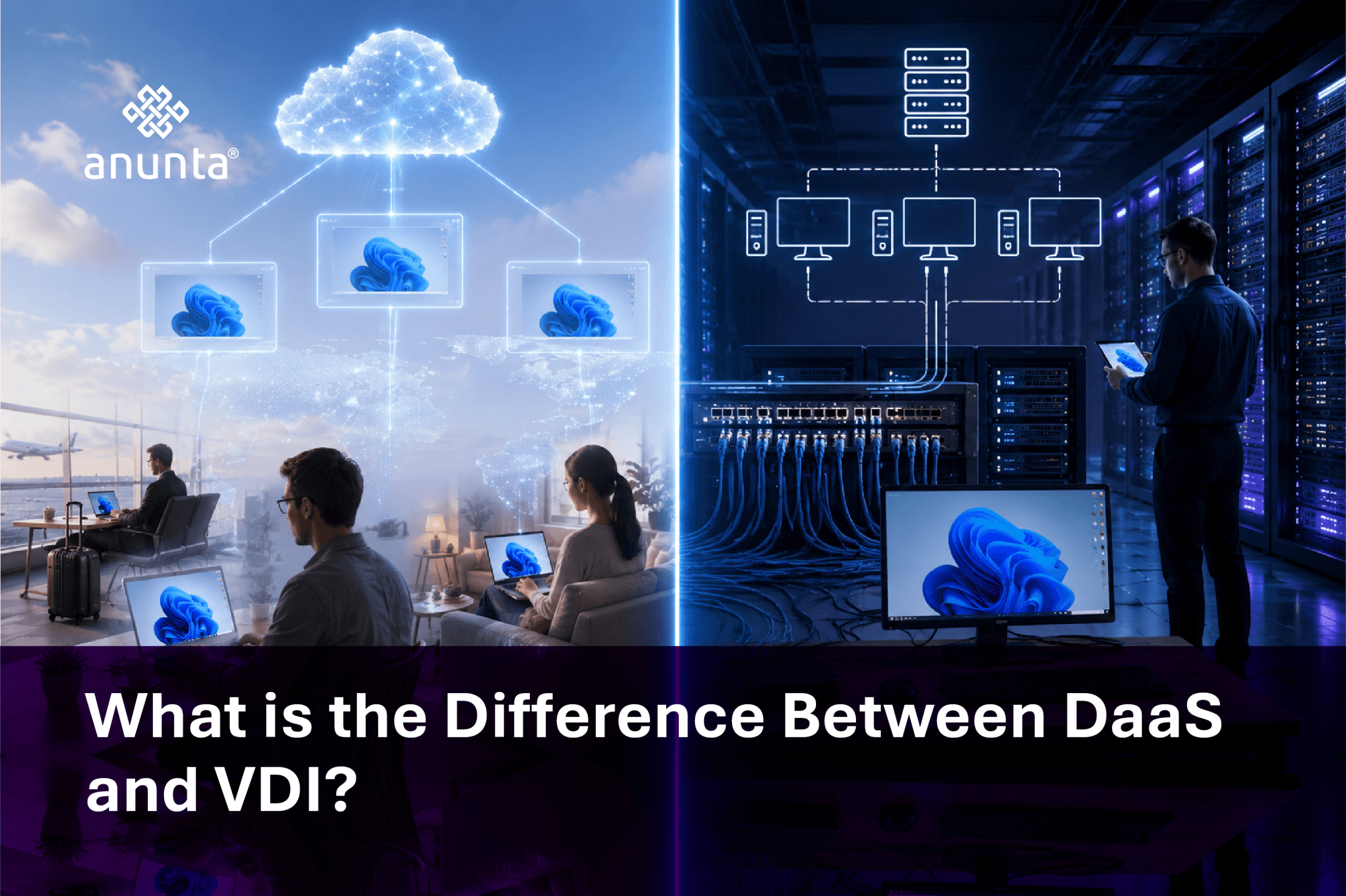
Virtual Desktop Infrastructure and Desktop as a Service are the two dominant approaches to achieving this. On the surface, they do have some similarities; however, they have two very different philosophies that define them:
This guide looks closely at DaaS and VDI, helping decision-makers move from confusion to clarity, and from a technology selection decision to a business benefit decision.
Virtual desktop infrastructure (VDI) is designed for companies that prioritise control, security, and customization. It centralises the desktop environment in a data centre or private cloud, delivering it to end users over a wide area network (WAN). No matter what type of application, file, or process you are using, it will remain part of your ecosystem.
VDI can be operated in two different models:
A complete VDI solution will typically consist of hypervisors, connection brokers, storage, and endpoint devices, all working together.
Large enterprises frequently prefer VDI because it correlates with their external compliance policies or mandates. It is more than simply a form of infrastructure; it is a means of governance at a scale.
Desktop as a Service (DaaS) views the desktop through the lens of how a utility would be delivered, without infrastructure, no heavy lifting, just access.
The third-party provider hosts and manages virtual desktops in the cloud through Desktop-as-a-Service solutions. The business pays for them on a per-user basis; therefore, DaaS converts capital expenditure into operational expenditure.
Microsoft Azure Virtual Desktop and Amazon WorkSpaces are two of the software platforms that serve as the foundation or power of this ecosystem.
DaaS has several compelling advantages:
In short, it converts infrastructure into an invisible enabler
The definition and the outcome of both Desktop as a Service (DaaS) and Virtual Desktop Infrastructure (VDI) require a fundamental understanding of what is different about them. Some areas of differentiation between DaaS and VDI include:
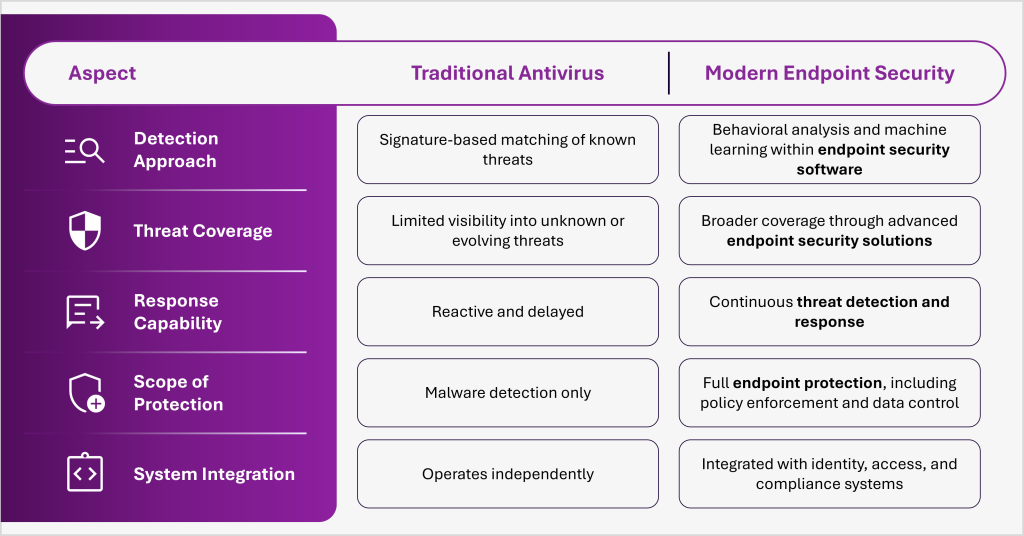
The difference between DaaS & VDI isn’t one of capabilities, rather it is an alignment perspective.
Cost is where strategy meets reality.
With Desktop-as-a-Service (DaaS), businesses eliminate:
Instead, they adopt predictable monthly pricing.
For startups, SMBs, and rapidly scaling organizations in India, this model accelerates adoption without financial friction.
In contrast, virtual desktop infrastructure involves:
However, at scale, VDI can offer long-term savings.
A leading consumer electronics company partnered with Anunta to simplify its IT infrastructure and enhance operational efficiency. By streamlining desktop management and optimizing resource allocation, the organization achieved improved system performance, reduced IT complexity, and greater scalability to support business growth.
Cost is not just an expense. It is a lever for efficiency.
The most important factor to consider when making a decision about whether to use Desktop as a Service or Virtual Desktop Infrastructure is to understand how your company operates. Here are some factors that can help you decide between the two types of services:
Ultimately, the best option for your business is the one that will help you achieve your future goals.
The most significant factor in security decisions is typically how secure the data or application is, both as it exists in the company’s environment through VDI and outside the company’s environment through DaaS. VDI has a strong premise for comparison when it comes to the secure management of data, especially in sectors such as banking and healthcare.
With DaaS, the data potentially resides within a secure cloud environment that has an associated certificate of protection, such as ISO 27001 or SOC 2.
Security, through both VDI and DaaS, ultimately relies on the protection of endpoints and access controls.
In practice: An international business process management (BPM) provider engaged Anunta to help them transform their end-user computing (EUC) environment, as it pertained to their distributed workforce. With the creation of a secure, scalable virtual desktop environment complemented by integrated monitoring and performance optimization, the BPM provider dramatically improved its overall user experience while still maintaining a high-level of security and compliance.
The result of this implementation was a significant decrease in downtime, a measurable enhancement in application performance, and a consistent, secure digital workspace across their various locations.
In short, security is a characteristic of how the data is protected, not what data or application environment the data resides.
The journey from traditional desktops to virtual environments is no longer optional. It is inevitable.
Desktop-as-a-Service offers speed, flexibility, and simplicity. Virtual Desktop Infrastructure delivers control, security, and customization.
Neither is universally better. The right decision depends on your scale, compliance needs, and growth ambitions.
At Anunta, we bring deep expertise across both models, helping enterprises design, deploy, and optimize virtual desktop environments that deliver measurable outcomes.
Talk to our experts today and discover the right DaaS and VDI strategy for your organization.
FAQs
Q1: What is the main difference between DaaS and VDI?
A: The main difference between Desktop-as-a-Service (DaaS) and virtual desktop infrastructure (VDI) lies in who manages the infrastructure. With DaaS, virtual desktops are hosted and managed by a third-party cloud provider on a subscription basis. With VDI, the app deploys and manages its own virtualization infrastructure on-premises or in a private cloud, requiring dedicated IT resources and capital investment.
Q2: Is DaaS cheaper than VDI?
A: DaaS typically has a lower upfront cost since it operates on a per-user, per-month subscription model with no hardware investment. VDI has a higher initial CapEx for servers, storage, and licences, but can offer a lower total cost of ownership (TCO) for large enterprises with 500+ users and long-term stable workloads. The more cost-effective choice depends on your organization’s size, scale, and IT maturity.
Q3: Which is more secure — DaaS or VDI?
A: Both DaaS and VDI can be highly secure when correctly implemented. VDI keeps all data within the corporate data centre, giving IT teams complete control — preferred by regulated industries. DaaS stores data in a provider’s cloud environment governed by enterprise-grade security certifications (ISO 27001, SOC 2). The right choice depends on your compliance requirements and internal security capabilities.
Q4: Can DaaS and VDI be used together?
A: Yes. Many enterprise organizations adopt a hybrid approach — using a VDI solution for power users or sensitive workloads that require full on-premises control, while deploying Desktop-as-a-Service for remote workers, contractors, or branch office staff who benefit from the cloud’s flexibility and scalability. This hybrid model allows businesses to balance cost, performance, and security across diverse user groups.
Q5: Which businesses should choose DaaS over VDI?
A: Desktop-as-a-Service is best suited for small to mid-sized businesses, organizations with distributed or remote workforces, companies with limited in-house IT teams, and businesses experiencing rapid growth that need to scale desktops quickly. VDI is generally better suited to large enterprises with existing data centre investments, complex compliance requirements, and dedicated IT infrastructure teams.