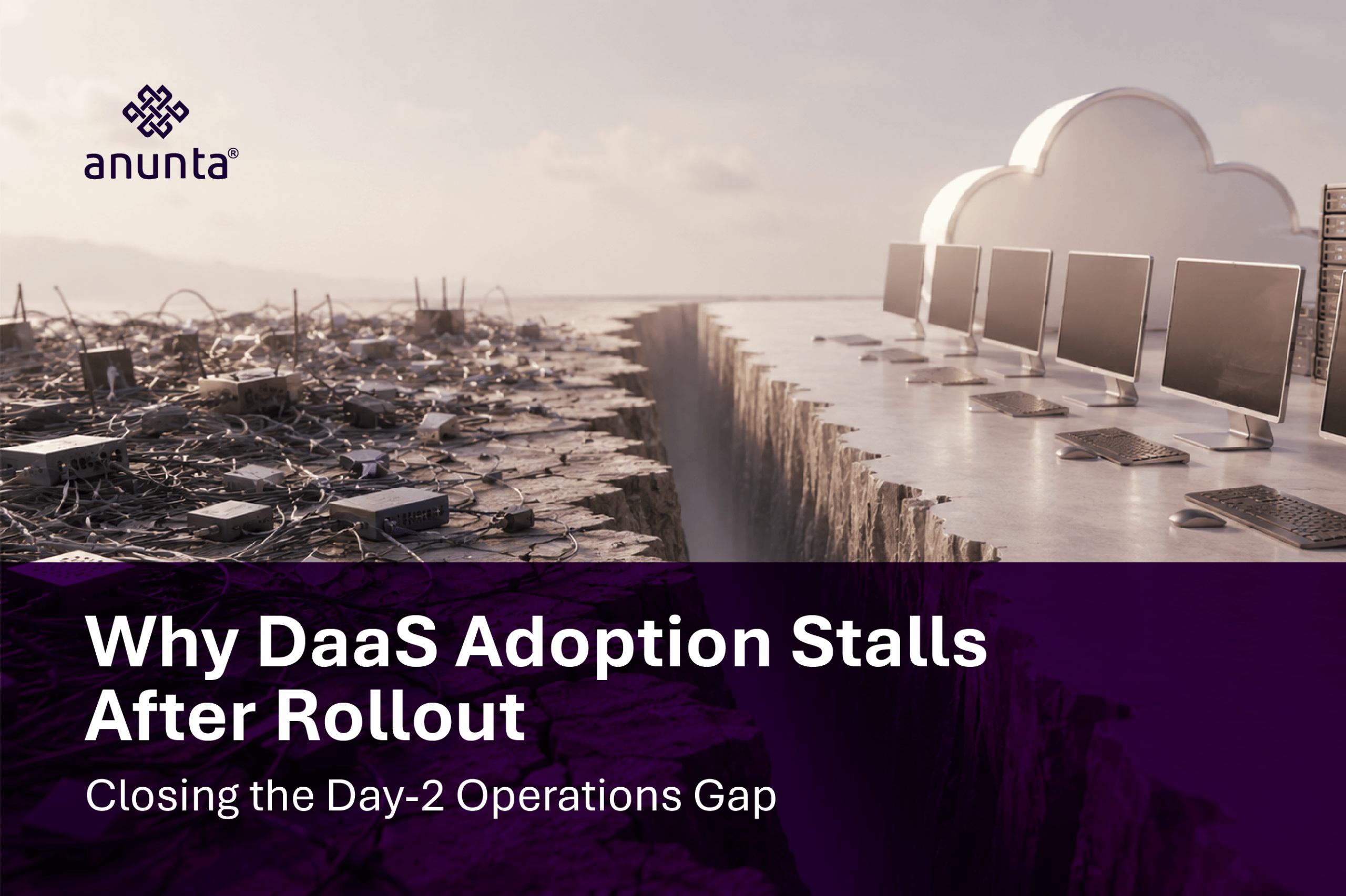
As remote work expands, businesses operate beyond traditional office boundaries. Teams collaborate from various locations and devices, often spanning time zones. Legacy IT environments lag behind this shift due to manual processes, lengthy provisioning, and ongoing management demands.
DaaS bridges this gap with managed, cloud desktops that scale to business needs.
Managed Desktop-as-a-Service (DaaS) on Azure offers unique benefits. Azure enables real-time use of cloud resources to build reliable, scalable, and efficient digital workspaces.
This blog explains how DaaS works, its fit, Azure’s role, and Anunta’s outcomes.
DaaS delivers a full cloud desktop. Users access a secure, consistent environment on any device. Management simplifies interactions.
With Managed Desktop-as-a-Service (DaaS):
This approach removes unnecessary operational burdens.
Internal IT teams no longer need to manage:
Desktop-as-a-Service (DaaS) excels where adaptability, compliance, and speed matter most.
Key use cases include:
Deployment speed is a measurable advantage. DaaS reduces onboarding from days to under an hour, depending on configuration complexity.
Managed DaaS on Azure uses a multi-layer architecture for reliability and performance.
Core architecture layers include:
User Layer – Providing secure access to users across different endpoints (web browsers, thin clients, and mobile devices) is achieved through optimized routing.
Identity and Access – Azure Active Directory is used to determine User Identity and access through conditional access policies and multi-factor authentication, in compliance with the Zero Trust architecture model.
Session Hosts – Provide Azure Virtual Machines to host Windows multi-session environments and use dynamic scaling to optimize resource usage.
Storage Layer – Azure NetApp files and FSlogix are used to provide consistent profiles and low latency, ensuring a consistent user experience.
Networking Layer – Application of Virtual Networking and private endpoints reduces the attack surface and improves response times.
Management Plane – Use of continuous monitoring, automatic patching, and lifecycle management of all components.
AI & Analytics Layer – Deliver on-demand operational intelligence by providing insights for performance tuning and detection of anomalies.
Security & Compliance Layer – Continuous protection of workloads through the use of Microsoft Defender and compliance with existing global standards.
This design proactively balances workloads and maintains consistent user throughput.
Managed DaaS unifies IT operations.
Key operational benefits:
Industry benchmarks indicate:
These improvements are commonly seen in enterprise-managed deployments.
AI-in-DaaS transforms Desktop-as-a-Service (DaaS) from a static system into an adaptive environment.
Key capabilities include:
With Microsoft Copilot, productivity can improve up to 30% with AI assistance.
This workspace consistently adapts to user activity and business needs.
DaaS embeds security in every interaction.
A health authority improved ransomware resilience with Anunta’s managed DaaS, quickly isolating threats and restoring work within 30 minutes.
Downtime dropped, disruptions were prevented, and endpoint security improved. This shows managed DaaS boosts security, continuity, compliance, and recovery.
Managed DaaS reshapes business operations beyond infrastructure modernization.
Tangible Outcomes
Managed DaaS on Azure simplifies IT and improves performance, security, and scalability. The benefits include:
Anunta provides these benefits through:
Managed DaaS offers a scalable, resilient, and efficient digital workspace as businesses grow.
FAQs
Q1: What is Managed DaaS on Azure?
Managed DaaS on Azure is a fully managed Desktop-as-a-Service solution built on Microsoft Azure infrastructure where a third-party provider handles provisioning, maintenance, monitoring, security patching, and support – freeing your IT team from operational overhead.
Q2: How is Managed DaaS different from Azure Virtual Desktop (AVD)?
AVD is Microsoft’s native platform requiring significant IT expertise to configure and manage. Managed DaaS layers a managed service on top of AVD, offering simplified onboarding, predictable pricing, built-in AI features, and end-to-end support – making it suitable for SMBs and enterprises alike.
Q3: What are the security benefits of Managed DaaS on Azure?
Managed DaaS providers enforce Zero Trust architecture, Microsoft Defender integration, conditional access policies, and continuous compliance monitoring (SOC 2, ISO 27001, HIPAA). Data never leaves Azure data centers, significantly reducing the breach surface.
Q4: How does AI-in-DaaS improve the end-user experience?
AI-in-DaaS leverages Microsoft Copilot, intelligent session optimization, predictive autoscaling, anomaly detection, and personalized desktop environments. These capabilities reduce latency, proactively resolve issues, and improve productivity benchmarks by up to 30%.
Q5: What is the typical cost structure for Managed DaaS on Azure?
Managed DaaS pricing is typically per-user/per-month and includes licensing (Windows 365 or AVD), compute, storage, management, and support. This converts unpredictable capital expenditure into a flat operational cost, making budgeting straightforward for finance teams.