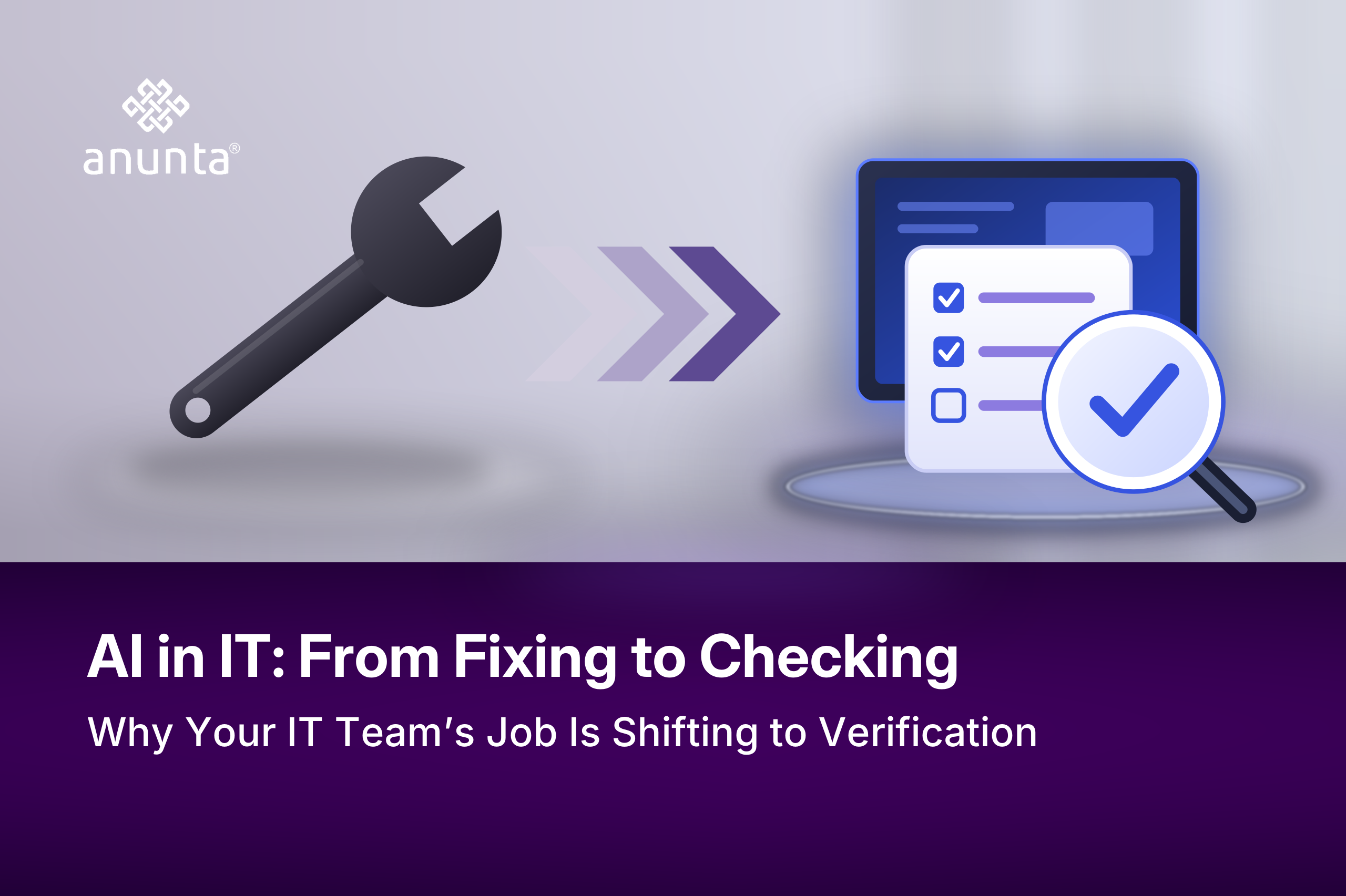
AI was supposed to give IT teams time back. For many teams, it handed them different work instead. The patches, tickets, and session fixes that people once handled by hand now run through AI-assisted tools, and someone has to confirm the AI got them right. Michael Meyer, Anunta’s Director of Solutions, described the change in his own work: “Instead of being the one that’s doing the hands-on work itself, we’re going to be reviewing and auditing these tools to ensure that they’re accurate.” The shift from fixing to checking is showing up in IT teams around the world. It deserves the same planning as any other part of the job.
For many teams, the time AI saved went into checking AI’s work. Our 2026 IT Operations and Automation Survey asked 254 IT practitioners and leaders at US organizations with 501 to 10,000 employees how their workloads changed after AI-assisted tooling was introduced.
More practitioners said their workload went up (49%) than went down (22%) (Where AI Pays Off in Desktop Operations). Among IT leaders, 58% reported an increase. Practitioners ranked overseeing and correcting AI output third among the things adding to their workload. In the same ranking, 72% put “our workload is not increasing” dead last. For session troubleshooting, 32% said the time AI freed went straight into tuning, exceptions, and oversight. Checking isn’t the whole story, though. On repeatable work, AI does remove the load: 33% of practitioners say it eliminated their patching work outright. The checking burden grows where the right action depends on the user or the situation.
Those numbers describe US teams, so the next question is whether the pattern holds elsewhere.
Global research points to the same rise in work. McKinsey’s State of AI 2026, based on 1,719 respondents across 97 countries, found that two-thirds of respondents saw little or no AI-related change in their organization’s total employment over the past year. Among organizations using AI, only 14% reported a smaller workforce, less than half the 32% who had expected one a year earlier. The people stayed, and Michael sees where their time went. “AI has absolutely enabled me to take on more and more work, but that’s still more and more work,” he said. “I am correcting the outputs.” Correcting outputs well depends on a skill that many teams are short on.

Checking AI’s work takes expert skill because the person checking has to know what “right” looks like. An engineer who knows the estate’s approved patch levels can spot a compliance report that doesn’t add up, while a generalist might accept it. Michael warned against asking people outside their field to do the checking: “We also still need an expert in that space. We can’t trust that output.” The checking job therefore lands on the people who already carry the most specialized knowledge on the team.
Specialists like these are scarce in most markets. In the World Economic Forum’s Future of Jobs Report 2025, which surveyed more than 1,000 employers across 55 economies, 63% named skills gaps as a major barrier to transforming their business through 2030. The same employers expect 39% of workers’ core skills to change over that period, with AI and big data as the fastest-growing skills. The shift to checking puts new work on the specialists that organizations can least afford to stretch. Rising business expectations add even more.
Tyler Shively, Anunta’s US Customer Success Manager, sees where those expectations come from. “People are thinking AI makes us more efficient, so people can truly take on more,” he said. Our practitioners ranked higher expectations from the business fourth among workload drivers, nearly tied with checking AI’s output. Microsoft’s 2025 Work Trend Index found the same tension worldwide. In that study, 53% of leaders say productivity must increase, while 80% of the global workforce says they lack the time or energy to do their job. Closing that gap starts with treating verification as real work.
IT leaders should plan for verification the way they plan for any other recurring workload, with time, owners, and a way to measure it.
Our report, Where AI Pays Off in Desktop Operations, shows which desktop tasks IT teams hand to AI, which ones they take back, and where the time goes. The AI Task Map for IT compares how your team handles nine desktop tasks with how your peers handle them and suggests a next step for each. Both draw on our survey of US IT teams, and the questions they raise apply to IT teams in any region. From there, the next step is to see how verification can be built into the tools themselves.
AI Fabric is Anunta’s AI platform, with intelligence built in rather than bolted on. Its OpsAssist layer either resolves an issue on an engineer’s behalf, suggests a fix and waits for the engineer to confirm it, or hands the issue to an engineer.
AI can reduce the time IT teams spend on repeatable tasks, but it also creates work around checking the results. Teams must confirm that AI-assisted tools took the right action, correct errors, and handle exceptions. Anunta’s 2026 IT Operations and Automation Survey found that 49% of practitioners reported an increase in workload after introducing AI-assisted tools, compared with 22% who reported a decrease. The workload shift depends on the task and the level of human verification it requires.
AI verification means checking whether an AI-assisted tool has taken the correct action. In IT operations, an engineer might check a patch report, confirm a session fix, or validate a configuration change. The person checking the result needs enough technical knowledge to recognize an error and decide whether the action is safe to accept.
The person who understands the task should verify the AI-generated result. A patching specialist should check patch-related output, while an engineer responsible for session troubleshooting should validate session-related actions. Assigning verification to the right expert helps teams catch errors and avoid adding unfamiliar work to already stretched specialists.
IT leaders should record verification time for each AI-assisted task and compare it with the time the tool saves. They should also assign an owner to each check and track how often engineers correct AI-generated results. If verification continues to consume as much time as the original task, leaders should reassess whether automation is delivering a worthwhile return.