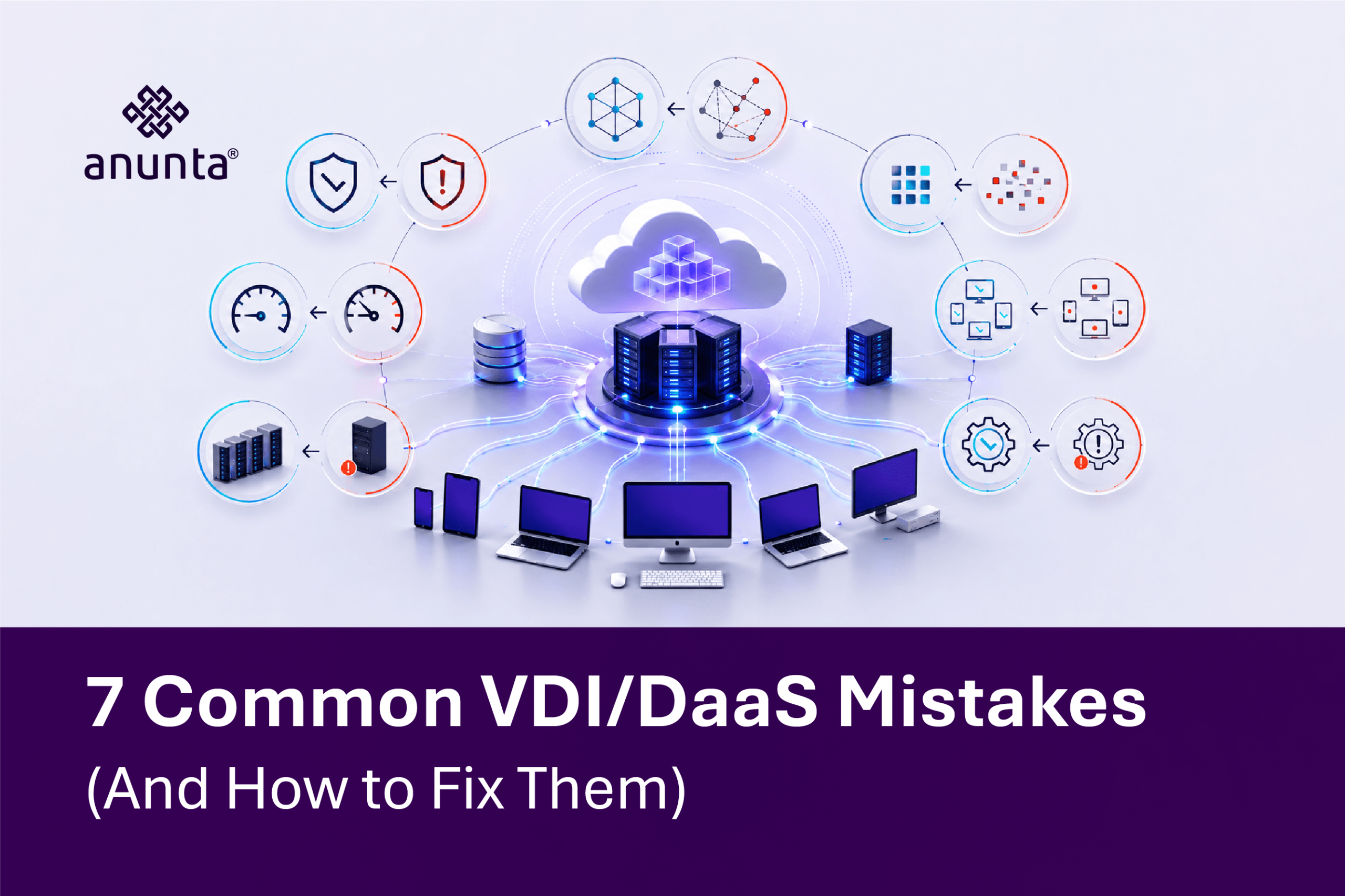
Most VDI and DaaS projects do not fail at launch. They fail quietly months later, when performance complaints pile up, and the promised cost savings never appear in the budget review. Gartner forecasts DaaS spending to grow from $4.3 billion in 2025 to $6.0 billion by 2029, a compound annual growth rate of 7.9%, and net-new desktop virtualization deployments are now almost exclusively DaaS rather than on-premises VDI. That growth means more enterprises are making these avoidable mistakes for the first time, without anyone around to warn them. This article covers seven common ones and how to fix each.
The most frequent mistake enterprises make is deploying VDI or DaaS before profiling real workload demand. Team-size environments are based on assumptions rather than on actual CPU, memory, and IOPS usage. As a result, performance suffers, and costly rework follows after go-live, which is exactly the kind of VDI deployment challenge enterprise IT teams report most often once real users log in.
The fix: Run baseline profiling tools against actual usage patterns before sizing a single virtual machine. Pilot the new environment with a representative group first, measure it under real conditions, then scale. That makes it far cheaper to fix sizing on 20 users than to rebuild after 2,000 users have already had a bad first impression.
This matters even more once you factor in Gartner’s other strategic planning assumption: by 2027, virtual desktops are projected to be cost-effective for 95% of workers, up from just 40% in 2019. That shift means workload profiles that used to justify a narrow VDI rollout now need to account for a much broader mix of user types, from task workers to power users, each with genuinely different CPU, memory, and graphics demands.
Many teams launch VDI or DaaS without ongoing performance visibility. Without it, enterprise issues get discovered by users complaining, not by IT catching the problem first. By the time a ticket lands, trust in the new platform is already damaged.
Omnissa Horizon addresses this directly through its integration with Omnissa Intelligence and Experience Management, which continuously tracks login times, session latency, and resource contention and surfaces the anomalies before they become a wave of help desk tickets. That is proactive monitoring functioning as designed, not an afterthought bolted onto the platform.
The fix: Tie continuous digital experience monitoring directly to your SLAs from day one, not as a phase-two addition once complaints start to roll in.
Citrix-to-AVD migration projects repeatedly run into the same failure points: skipped application rationalization, profile compatibility gaps, and legacy applications that were never tested in the new environment before cutover. Enterprises assume that an application that worked on the old platform will simply work on the new one, and that assumption is where most post-migration support tickets originate.
The fix: Run a structured application compatibility assessment before any cutover date is set. Test legacy applications specifically, not just the standard productivity suite, and validate user profile portability as part of that same assessment, rather than as a separate afterthought. If you are weighing this decision at all, start from a clear comparison between DaaS and traditional VDI before locking in a migration path.
Low training investment and end-user resistance quietly undermine even a technically flawless deployment. A new desktop delivery model can be sized correctly, monitored correctly, and still fail if employees do not trust it or do not know how to use it.
The fix: Build a phased rollout communication plan well before go-live, not the week of. Pair it with role-based training so finance, frontline, and executive users each get guidance relevant to how they actually work, not a single generic onboarding email.
Adoption resistance is rarely about the technology itself. It is about employees losing a workflow they trusted without being shown, ahead of time, exactly what will replace it, and why it will be better once the transition settles.
Persistent desktop sprawl and profile bloat are a slow, expensive leak. Storage costs creep upward month over month, and nobody notices until the invoice forces the question. That makes this one of the quieter mistakes on this list, and one of the most expensive over a multi-year deployment.
The fix: Move toward non-persistent images paired with dedicated profile management, such as Omnissa Dynamic Environment Manager, rather than treating every desktop as a permanent, individually maintained asset. Centralized profile handling also makes it dramatically easier to manage the device and profile lifecycle through managed endpoint services, rather than chasing storage sprawl one desktop at a time.
DaaS scalability planning is the piece most enterprise teams neglect. Environments get sized for peak-only scenarios, or worse, for average demand, and elastic licensing gets ignored until a seasonal spike or acquisition suddenly doubles the user count overnight.
The fix: Build elastic capacity models and demand forecasting into the original architecture, not as a retrofit after the first painful spike. A DaaS environment that cannot flex with the business defeats one of the main reasons enterprises move to DaaS in the first place.
Seasonal retail hiring, tax-season staffing surges, and post-acquisition user growth are the three scenarios that most often expose weak scalability planning. Enterprises that model these scenarios in advance, rather than reacting to them in real time, avoid emergency licensing calls and the degraded performance that comes from provisioning under pressure.
The gap between reactive break-fix support and a proactive, managed model is where most of the damage from the first six mistakes compounds. Reactive support waits for a ticket. A proactive model catches the failure signal before the ticket is ever filed, which is the entire point of moving to DaaS rather than running the same fragile setup with a cloud label attached.
The fix: Position 24×7 managed DaaS support as the baseline expectation, not a premium upsell. A managed VDI troubleshooting model built around continuous monitoring and capacity-planning expertise catches what an internal team, stretched across a dozen other priorities, simply cannot staff on its own.
This is also where the first six mistakes get caught before they become expensive. A managed support model with real visibility into capacity, profiles, and application health spots the early warning signs of sizing drift, storage sprawl, and scalability gaps long before an executive asks why the new environment feels slower than the one it replaced.
First, profile the real workload demand before sizing anything. Second, monitor continuously and tie it to your SLAs. Lastly, plan for change management, storage discipline, scalability, and proactive support as one connected strategy, not seven separate problems solved in isolation. When enterprises fix all seven together, they see the outcomes that actually matter: measurable uptime, real user adoption, and cost control that holds past the first year.
None of these seven mistakes are exotic. They are the same recurring gaps across capacity planning, monitoring, migration, adoption, storage, scalability, and support, and each can be fixed before it becomes expensive. Talk to Anunta’s VDI and DaaS specialists about a VDI/DaaS health check to see which of these seven your current environment is exposed to, and what to fix first.
1. What is the most common VDI mistake enterprises make?
The most common mistake is deploying VDI or DaaS before profiling the actual workload demand. Enterprises size environments on assumptions rather than actual CPU, memory, and IOPS usage, which leads to poor performance and costly rework after go-live.
2. How is DaaS implementation different from a traditional VDI rollout?
DaaS shifts infrastructure management to the provider, so implementation mistakes tend to center on licensing, scalability, and image management rather than hardware sizing. Gartner notes that net-new desktop virtualization deployments are now almost exclusively DaaS, making it more important than ever to get the implementation right from day one.
3. What causes VDI performance issues in enterprise environments?
Performance issues usually trace back to a lack of ongoing digital experience monitoring. Without visibility into login times, session latency, and resource contention, IT teams learn about problems only from user complaints rather than proactive alerts.
4. What should enterprises check before a Citrix to AVD migration?
Teams should complete an application compatibility assessment, validate user profile portability, and pilot the migration with a representative user group. Skipping these steps is one of the most common causes of post-migration support tickets.
5. How does a managed DaaS service help avoid these mistakes?
A managed service adds 24×7 monitoring, proactive troubleshooting, and capacity planning expertise that most internal IT teams cannot staff on their own. This shifts support from reactive break-fix to a model built around uptime and user experience.